版本介绍
v1.6.1|容量28.2GB|官方简体中文|支持键盘.鼠标.手柄|赠多项修改器
最低配置
需要 64 位处理器和操作系统
操作系统: WINDOWS® 10 (64-BIT Required)
处理器: Intel® Core™ i5-3470 3.20 GHz or AMD FX-6300™ or better
内存: 4 GB RAM
显卡: NVIDIA®GeForce® GTX 960 / 2GB VRAM or AMD Radeon RX 560 / 2GB VRAM
DirectX 版本: 11
网络: 宽带互联网连接
存储空间: 需要 28.2 GB 可用空间
声卡: DirectSound compatible (must support DirectX® 9.0c or higher)
包含DLC
• MHS 2: Wings of Ruin – Deluxe Kit
• MHS 2: Wings of Ruin – Ena’s Outfit: Tropical Dress
• MHS 2: Wings of Ruin – Ena’s Outfit: Ancient Raiment
• MHS 2: Wings of Ruin – Ena’s Outfit: Felyne Shelter Garb
• MHS 2: Wings of Ruin – Ena’s Outfits: Cheerleader Three-Pack
• MHS 2: Wings of Ruin – Ena’s Outfit: Kamura Maiden Outfit
• MHS 2: Wings of Ruin – Rider’s Layered Armor: Hakum Rider Outfit
• MHS 2: Wings of Ruin – Navirou’s Outfit: Downy Duds
• MHS 2: Wings of Ruin – Navirou’s Outfit: Kulu-Ya-Ku Costume
• MHS 2: Wings of Ruin – Navirou’s Outfit: Legiana Costume
• MHS 2: Wings of Ruin – Navirou’s Outfit: Paolumu Costume
• MHS 2: Wings of Ruin – Navirou’s Outfit: Anjanath Costume
• MHS 2: Wings of Ruin – Navirou’s Outfit: Fulgur Anja Costume
• MHS 2: Wings of Ruin – Navirou’s Outfit: Velkhana Costume
• MHS 2: Wings of Ruin – Rider’s Hairstyle: Shaggy Legiana
• MHS 2: Wings of Ruin – Rider’s Hairstyle: Lumu Afro
• MHS 2: Wings of Ruin – Rider’s Hairstyle: Mizutsune Braid
• MHS 2: Wings of Ruin – Rider’s Hairstyle: Mohawk Kulu
• MHS 2: Wings of Ruin – Character Edit Ticket One-Pack
• MHS 2: Wings of Ruin – Character Edit Ticket Two-Pack
• MHS 2: Wings of Ruin – Character Edit Ticket Three-Pack
• MHS 2: Wings of Ruin – Launch Starter Pack
• MHS 2: Wings of Ruin – Original Soundtrack
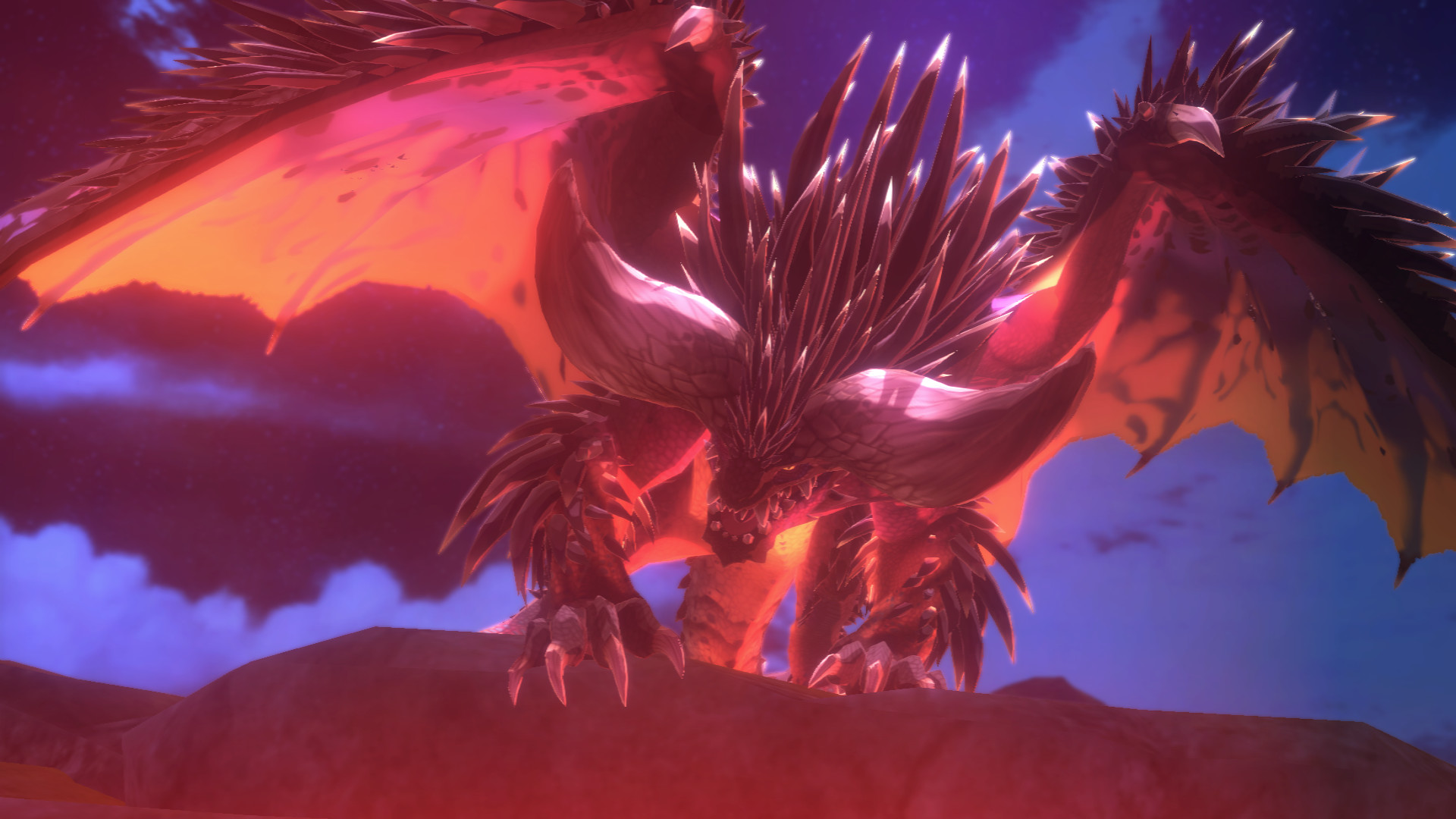
游戏截图
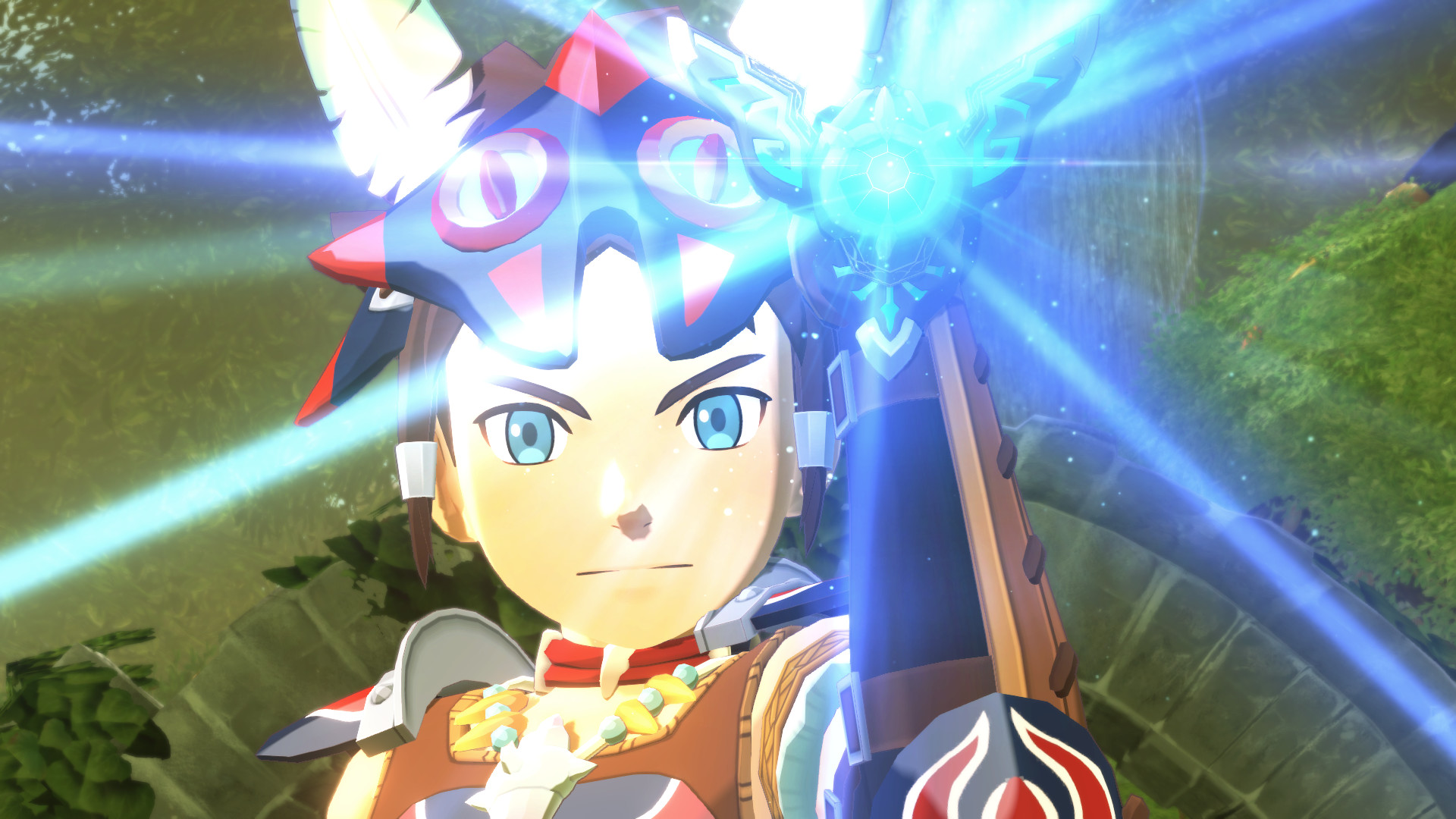
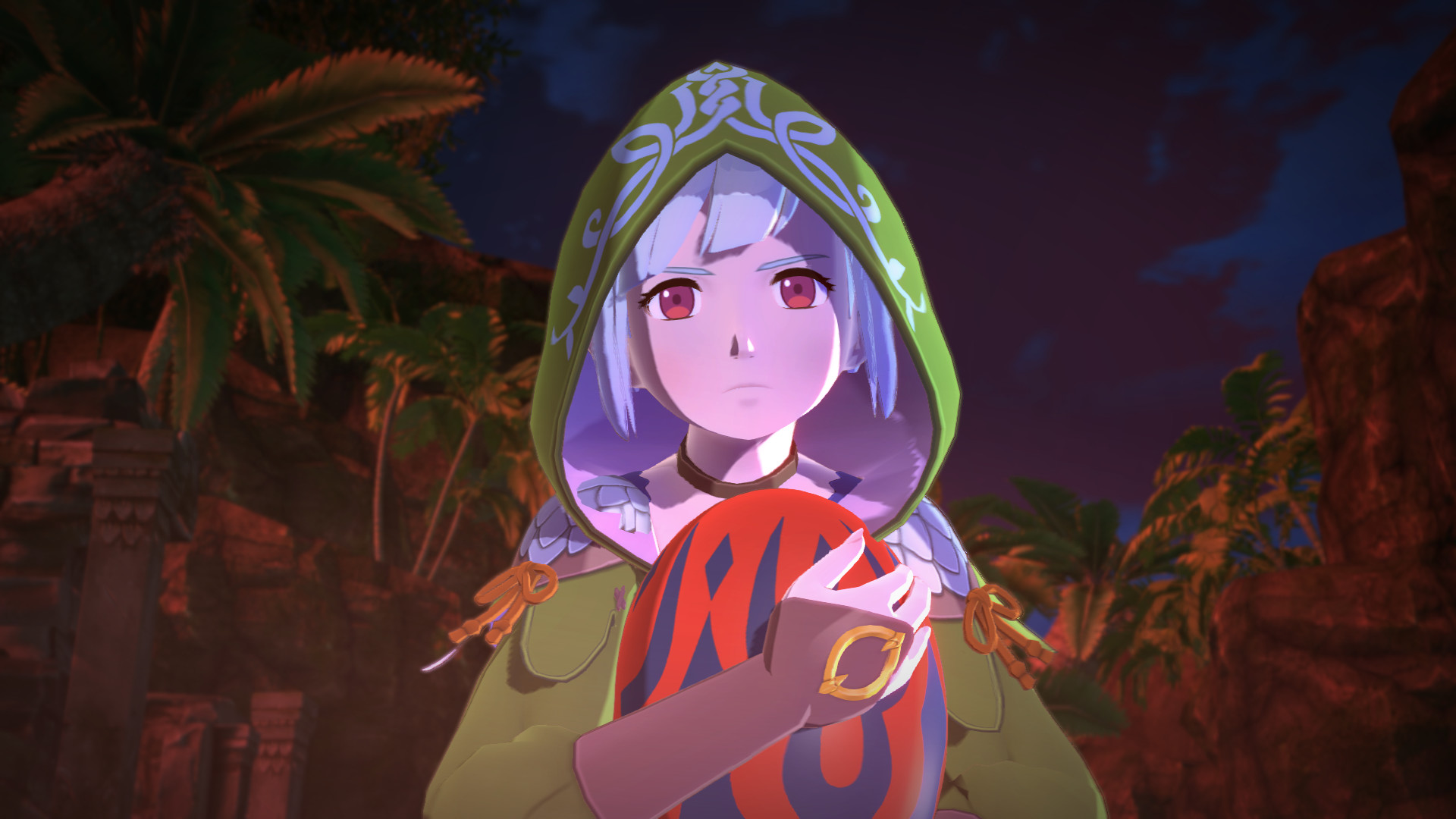
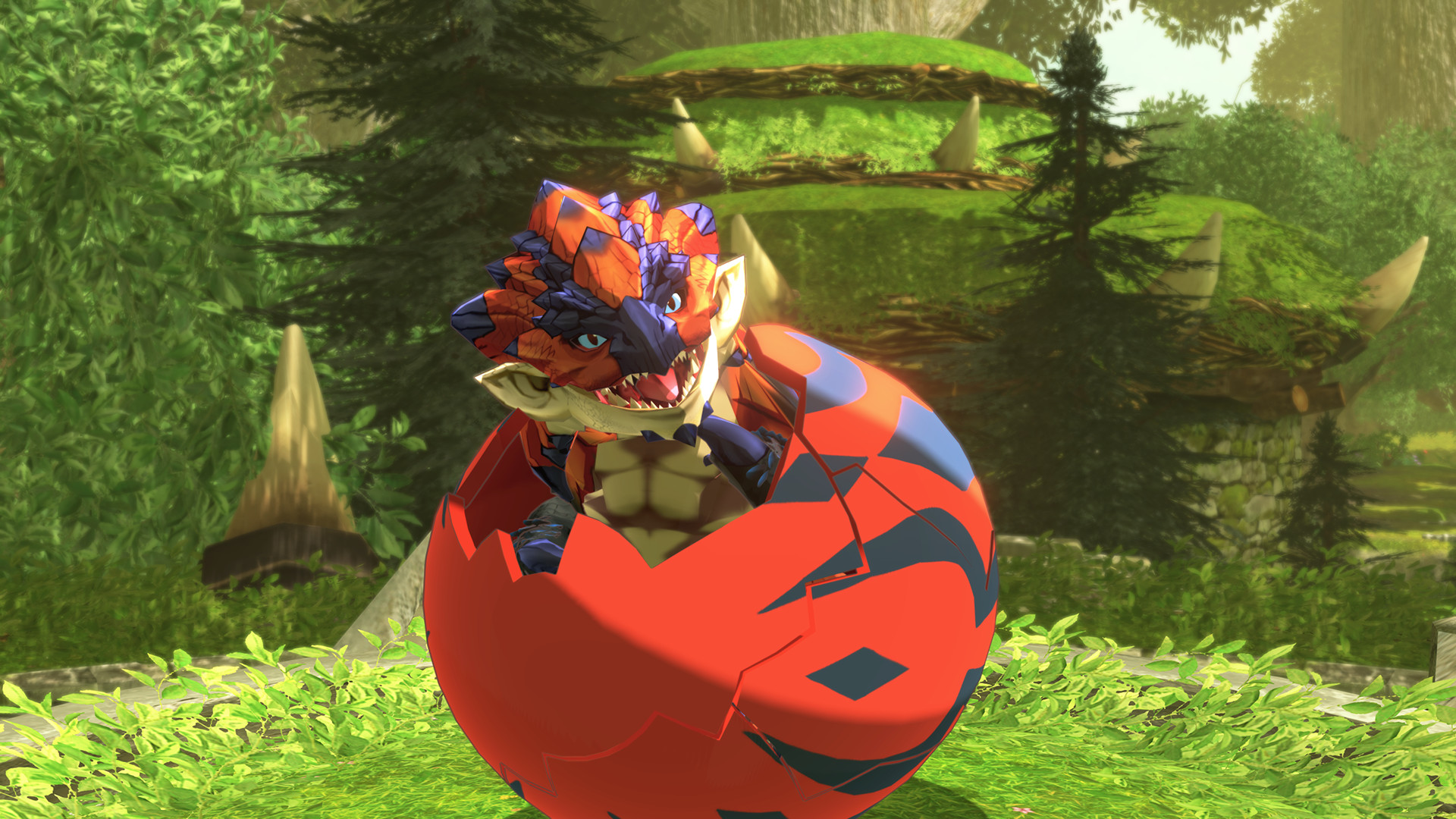

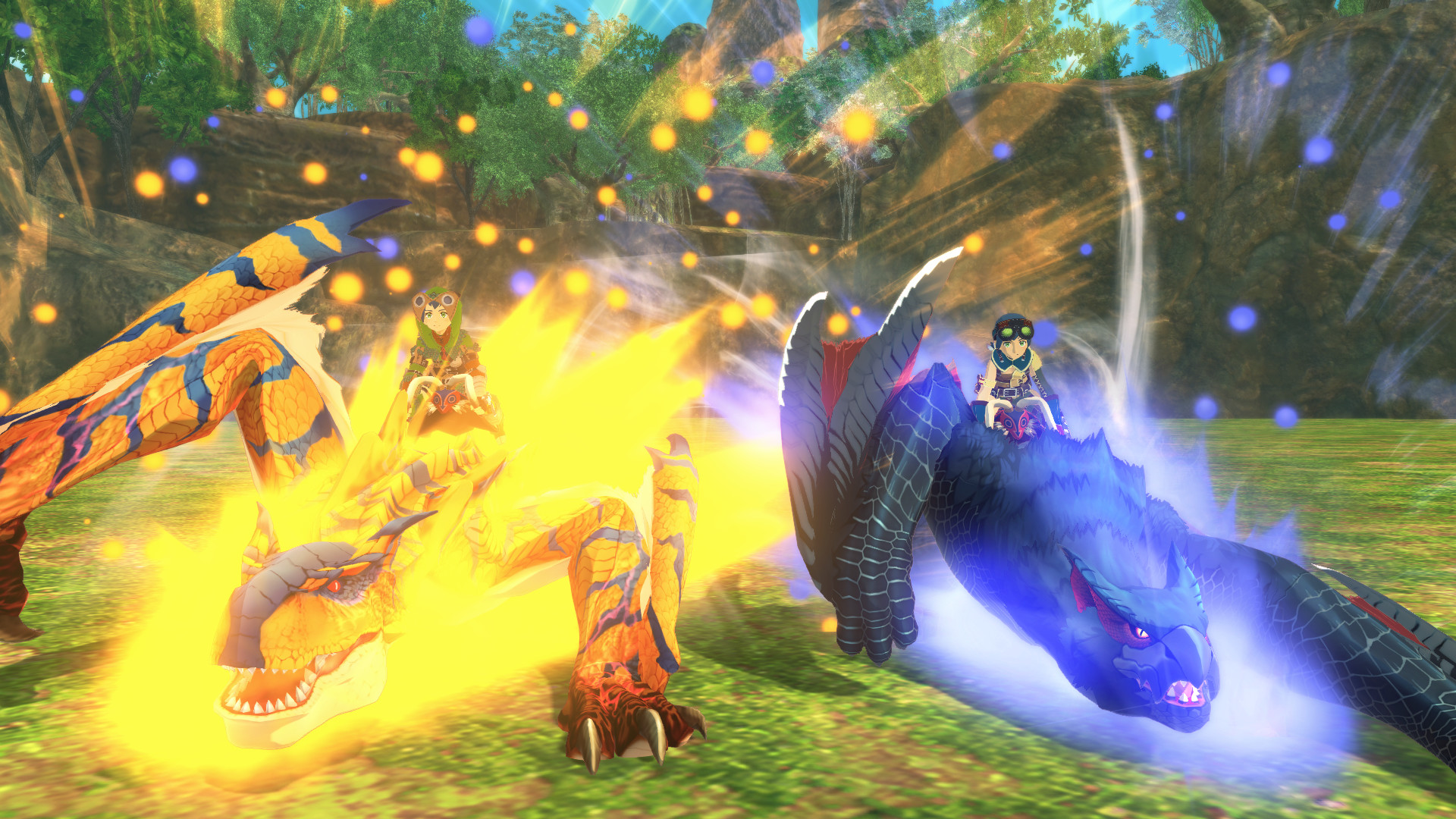
2.若您需要商业运营或用于其他商业活动,请您购买正版授权并合法使用。
3.如果本站有侵犯、不妥之处的资源,请在网站右方客服联系我们。将会第一时间解决!
4.本站所有内容均由互联网收集整理、网友上传,仅供大家参考、学习,不存在任何商业目的与商业用途。
5.本站提供的所有资源仅供参考学习使用,版权归原著所有,禁止下载本站资源参与商业和非法行为。
糖果游戏 » 怪物猎人物语2:毁灭之翼/Monster Hunter Stories 2: Wings of Ruin
常见问题FAQ
- 免费下载或者VIP会员专享资源能否直接商用?
- 本站所有资源版权均属于原作者所有,这里所提供资源均只能用于参考学习用,请勿直接商用。若由于商用引起版权纠纷,一切责任均由使用者承担。更多说明请参考 VIP介绍。
- 提示下载完但解压或打开不了?
- 你们有qq群吗怎么加入?